
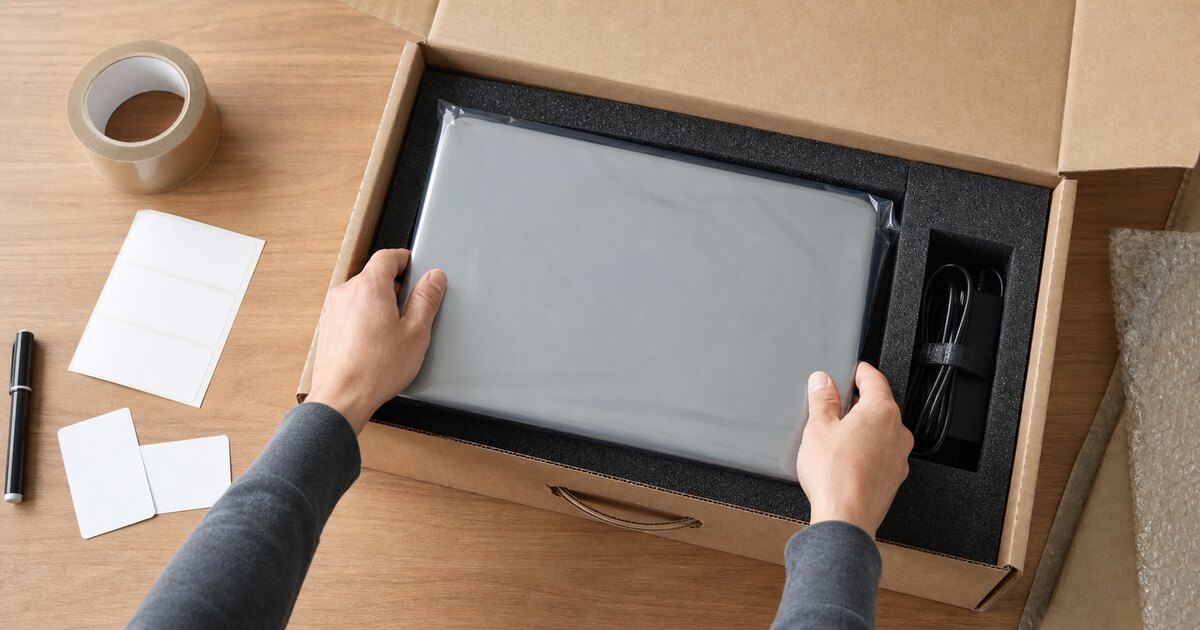
Remote work scattered company laptops across North Texas. Refresh cycles and offboarding are bringing them back—one padded envelope, front-desk handoff, and mystery power adapter at a time.
The hard part is not receiving a laptop. It is proving which device returned, removing it from the company’s control systems, deciding whether it can be redeployed, and keeping the retirement pile from becoming another unsecured closet.
Create one intake point
Use a controlled DFW office, warehouse, or IT staging room as the return destination. Avoid letting returned devices accumulate at individual managers’ homes or in an unattended reception area.
At intake, record what the company needs to reconcile the asset:
- asset tag and device serial number;
- employee or custodian reference;
- return date and condition;
- charger, dock, and accessories received;
- visible damage or swollen battery concerns;
- whether the device powers on;
- next status: redeploy, repair, hold, or retire.
Remove management and access deliberately
Offboarding should address identity before disposal:
- disable the user’s company accounts;
- revoke active sessions and tokens;
- rotate shared credentials the user knew;
- remove or transfer device-management ownership;
- release firmware or activation locks where appropriate;
- recover licensed software and subscriptions;
- document any legal or investigation hold.
A physically returned laptop can still be tied to cloud management or contain credentials with value elsewhere.
Separate redeployable devices from retirement devices
Recent, functional systems may be worth redeploying after an approved reimage and quality check. Devices with unsupported hardware, major damage, failing batteries, or poor performance may be better candidates for parts recovery or recycling.
Make the decision quickly. Business laptops lose value while sitting, and an undifferentiated pile makes later inventory and data work harder.
Choose the media process
Reimaging a laptop for another employee and retiring it from the organization are different events. For retirement, identify the storage device and apply a media-appropriate sanitization or destruction method that matches the company’s written requirements.
GreenIT Pickup’s standard media process is aligned with NIST SP 800-88 Rev. 2 guidance when the media supports the selected technique. NIST publishes guidance; it does not approve GreenIT Pickup or certify a job.
For selected drives that must be physically destroyed, GreenIT can provide witnessed on-site drive crushing in DFW. Enhanced records can include serial numbers, before-and-after photos, time and GPS evidence, a signed and hashed PDF, and QR verification retained for seven years.
Build a qualifying batch instead of making repeated trips
One returned laptop is unlikely to justify a dedicated free collection. A staged business batch may include:
- retired laptops and docks;
- desktops and monitors from the same refresh;
- servers or storage from a completed migration;
- switches, firewalls, and access points;
- UPS equipment and approved cables;
- approved printers or copiers riding with the qualifying load.
Printers and copiers never qualify by themselves. Qualification depends on the entire load, location, access, equipment condition, labor, and data requirements.
We come to the DFW staging location
GreenIT Pickup does not operate a nationwide employee-return shipping program. Once your company has consolidated the returned equipment at an approved Dallas-Fort Worth business location, however, we can evaluate the batch for free onsite pickup.
Send photos, counts, ZIP code, desired timing, dock or elevator details, and the required documentation level. We will tell you what qualifies before your staff moves the pile.
Review our laptop and desktop recycling service or request a pickup when the batch is ready.
Need IT Equipment Picked Up?
GreenIT Pickup provides free onsite pickup for qualifying B2B IT equipment loads across the Dallas-Fort Worth metroplex, so your team does not have to transport equipment to a drop-off.
Related Services
Related Articles
Chromebook Fleet Retirement: A Practical Guide for Texas Schools
A practical Texas school Chromebook retirement guide covering AUE dates, deprovisioning, data handling, documentation, reuse and bulk pickup.
IT RecyclingComputer Recycling in DFW: Complete Guide
Looking for computer recycling near you in Dallas-Fort Worth? Here's where to recycle old computers, what to do with your data first, and how to do it for free.
IT RecyclingDFW Electronics Drop-Off vs. Business Pickup
Compare Dallas, Fort Worth, Plano, Frisco and Garland electronics drop-off rules with free onsite pickup for qualifying DFW business IT equipment.