
You’ve scheduled a pickup. The truck is coming next week. Now what?
The good news is that we handle the heavy lifting — literally and figuratively. But a little bit of preparation on your end can make the whole process faster, smoother, and less disruptive to your team. This guide covers what’s actually worth doing before we arrive, what’s optional, and what you can skip entirely.
Take a Quick Inventory
You don’t need a detailed spreadsheet (though we won’t complain if you have one). Just a general sense of what’s going and where it’s located. Are there servers in a data closet? Desktops under every desk on the third floor? A pile of switches nobody’s touched in three years in the storage room?
Knowing the approximate quantity and location helps our team plan the right number of people, the right vehicle, and the right amount of time. “About 40 desktops on one floor with elevator access” and “two racks of servers in a basement with no freight elevator” are very different jobs, even if the device count is similar. If it’s a large job — say, a full office decommission or server room cleanout — a walkthrough beforehand helps us scope it properly.
One extra step that pays off for regulated businesses: capture serial numbers for anything that held sensitive data. If you’re a healthcare practice, law firm, or financial services firm, your compliance documentation is much stronger when your own asset list matches the pickup manifest and sanitization certificates line for line. Ten minutes with a phone camera photographing service tags is usually all it takes.
Decide What’s Going and What’s Staying
This sounds obvious, but it trips people up more often than you’d think. Make sure the decision about what’s being retired has been communicated clearly to your team. The last thing anyone wants is a panicked call because someone’s working desktop ended up on the truck.
If there’s any ambiguity, label things. Painter’s tape and a marker work great. “GOES” and “STAYS” stickers work even better. If equipment is in a shared space — a rack with both production and retired gear, a storage room used by two departments — make sure the relevant stakeholders have signed off before pickup day, not during it.
A related tip: decide what happens to the accessories. Docking stations, monitor arms, keyboards, cables, spare chargers. Teams often retire the computers but forget the drawer of dead peripherals that goes with them. If it’s leaving, stage it with everything else.
Think About Data — But Don’t Stress About It
We handle data sanitization as part of our standard pickup process, aligned with NIST SP 800-88 Rev. 2 guidance, and GreenIT-issued certificates of data sanitization are available with your documentation. So you don’t need to wipe drives yourself before we arrive.
That said, if your organization has internal policies that require IT to wipe drives before equipment leaves the building, do that first. We’d rather work with your security team than around them.
The one decision to make before pickup day is whether aligned sanitization fits your policy or selected drives require physical destruction. GreenIT can perform witnessed drive crushing at approved DFW sites. If you need work performed before media leaves your location, special custody controls, or enhanced per-drive evidence, tell us before scheduling so we can confirm the media, scope, documentation, and project economics. Our hard drive shredding cost guide explains the tradeoffs.
Finally, sweep for stray media. It’s easy to forget about USB drives left in ports, SD cards in card readers, backup tapes in a desk drawer, or that NVMe drive someone installed in a server for testing two years ago. Loose drives are welcome on the truck — they just need to be part of the conscious data decision, not a surprise.
Accessibility and Logistics
Think about how we’re going to get the equipment out of your building.
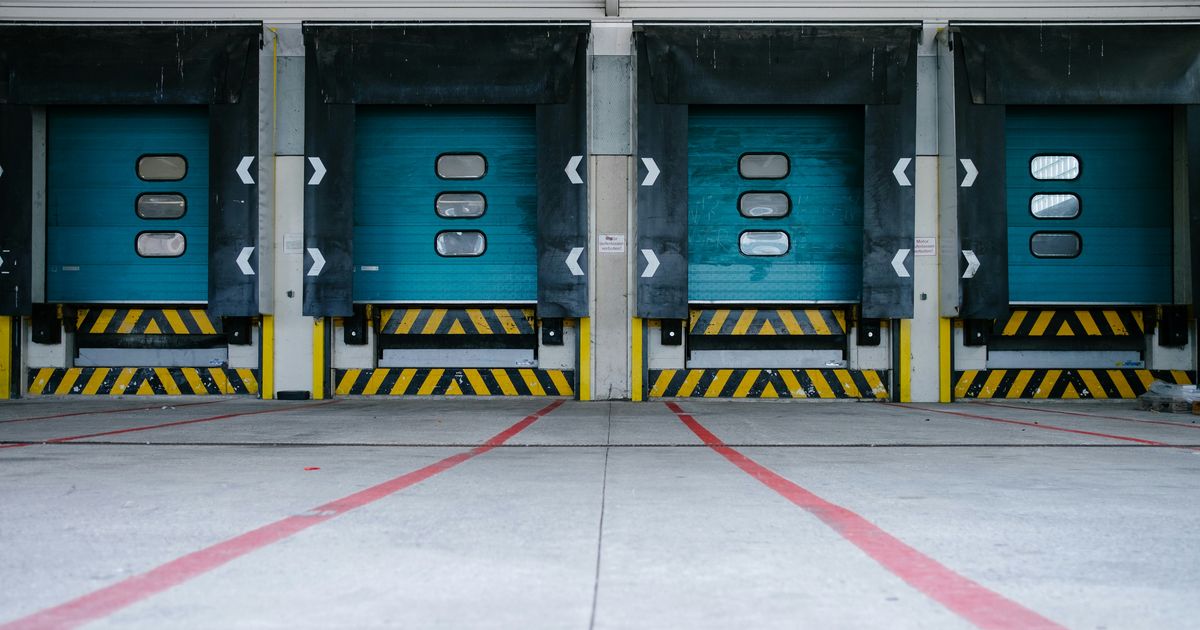
Is there a loading dock? An elevator? Do we need building management access or a freight elevator reservation? In high-rise buildings in downtown Dallas or Fort Worth, freight elevators often have to be reserved days in advance and some buildings restrict moves to evenings or weekends. Suburban office parks in places like Plano or Grapevine are usually simpler — but even there, check whether your property manager requires vendors to have a certificate of insurance on file before working in the building. Sorting that out ahead of time prevents the most common source of pickup-day delays.
Also think about timing. Is there a window that works best to avoid disrupting your team — early morning, after hours, weekends? Tell us when you schedule and we’ll work around it.
For server room or data center pickups specifically, consider whether racks need to be powered down, cables disconnected, and equipment unracked before we arrive, or whether you’d like us to handle that as part of the service. Either works — we just need to know in advance so we bring the right crew and tools.
Communicate With Your Team
Let the relevant people know the pickup is happening. Front desk staff, building security, IT personnel, and office managers all benefit from knowing when a truck is showing up and what’s happening. It prevents confusion and makes sure we can get to where we need to go without delays.
Designate one point of contact for pickup day — someone who knows what’s going, where it is, and who can answer questions on the spot. That single decision does more to speed up a pickup than anything else on this list.
What You Don’t Need to Do
You don’t need to clean the equipment. You don’t need to remove drives or components. You don’t need to bag cables separately. You don’t need to organize anything by type. You don’t need to find original boxes, cage nuts, or rail kits. All of that is our job.
Your only job is to make sure we can get to the equipment and that everyone knows it’s supposed to leave.
Day Of: What to Expect
Our team shows up at the scheduled time, checks in with your point of contact, and gets to work. We bring all necessary equipment — carts, dollies, protective materials. We load everything, confirm the haul with your team, and head out. You get documentation of what was picked up and, once processing is complete, documentation of the data handling process.
For most office pickups, we’re in and out within a couple of hours. Larger jobs — full floors, server rooms, multi-day decommissions — get scheduled accordingly, and we’ll tell you what to expect when we scope the job.
That’s it. You go back to your day.
The Short Version
If you skimmed to the bottom, here’s the checklist:
- Know roughly what’s going and where it is
- Label anything ambiguous — “GOES” and “STAYS”
- Decide on sanitization vs. scoped physical destruction before pickup day
- Sweep for loose drives, USB sticks, and tapes
- Confirm building access, dock, elevator, and any insurance paperwork
- Tell your front desk, security, and IT that we’re coming
- Pick one point of contact for the day
We’re headquartered in Southlake and run pickups across the whole DFW metroplex. Have more questions about the process before you book? Our FAQ covers the common ones, and our services overview has full details. Then request a free pickup → or call (817) 527-8600.
Need IT Equipment Picked Up?
GreenIT Pickup provides free onsite pickup for qualifying B2B IT equipment loads across the Dallas-Fort Worth metroplex, so your team does not have to transport equipment to a drop-off.
Related Services
Related Articles
Chromebook Fleet Retirement: A Practical Guide for Texas Schools
A practical Texas school Chromebook retirement guide covering AUE dates, deprovisioning, data handling, documentation, reuse and bulk pickup.
IT RecyclingComputer Recycling in DFW: Complete Guide
Looking for computer recycling near you in Dallas-Fort Worth? Here's where to recycle old computers, what to do with your data first, and how to do it for free.
IT RecyclingDFW Electronics Drop-Off vs. Business Pickup
Compare Dallas, Fort Worth, Plano, Frisco and Garland electronics drop-off rules with free onsite pickup for qualifying DFW business IT equipment.