
October 13, 2026, is a notable Microsoft lifecycle date. The Microsoft 2026 end-of-support calendar lists Office 2021 family products reaching retirement and Windows 10 2016 LTSB editions reaching end of support on that date.
That does not mean every computer running Office 2021 must be physically discarded on October 13. Application licensing, operating-system support, compatibility, extended options, and hardware eligibility are separate decisions.
It does mean IT teams should know which devices will remain supported, which will be upgraded, and which will be retired.
Do not mix the lifecycle facts together
Standard Windows 10 version 22H2 reached end of support on October 14, 2025. Microsoft’s Windows 10 release page describes Extended Security Updates as a paid option for enrolled PCs after that date.
Windows 10 Enterprise LTSB and LTSC editions follow different schedules. Microsoft’s current table lists Windows 10 2016 LTSB extended support ending October 13, 2026, while other LTSC releases have different dates.
Office 2021 support is another lifecycle track. Inventory the installed edition and channel instead of assuming that one date describes every Microsoft product on the PC.
Build three device groups
Keep and update
Hardware that supports the approved operating system and application plan may remain useful. Confirm drivers, firmware, security controls, and management enrollment before calling the refresh complete.
Redeploy
A device leaving a privileged user or sensitive department might still serve a lower-demand role after an approved reimage, account removal, hardware check, and asset reassignment.
Retire
Systems that cannot support the approved stack, have poor battery or hardware condition, or cost too much to maintain should enter a controlled retirement process. Do not leave them enrolled, credentialed, and stacked under a desk.
The retirement checklist
For each retiring PC or laptop:
- Record the asset tag and serial number.
- Confirm the device is not under a legal, investigation, or retention hold.
- Remove management enrollment, user sessions, certificates, tokens, and license assignments.
- Identify internal and removable storage.
- Select a sanitization or destruction method appropriate for the media and policy.
- Record disposition and close the asset in the system of record.
- Keep chargers, docks, and model families grouped when practical.
GreenIT Pickup’s standard media process is aligned with NIST SP 800-88 Rev. 2 guidance when the media supports the selected method. NIST does not approve GreenIT Pickup or certify individual records.
Turn the refresh into a qualifying pickup load
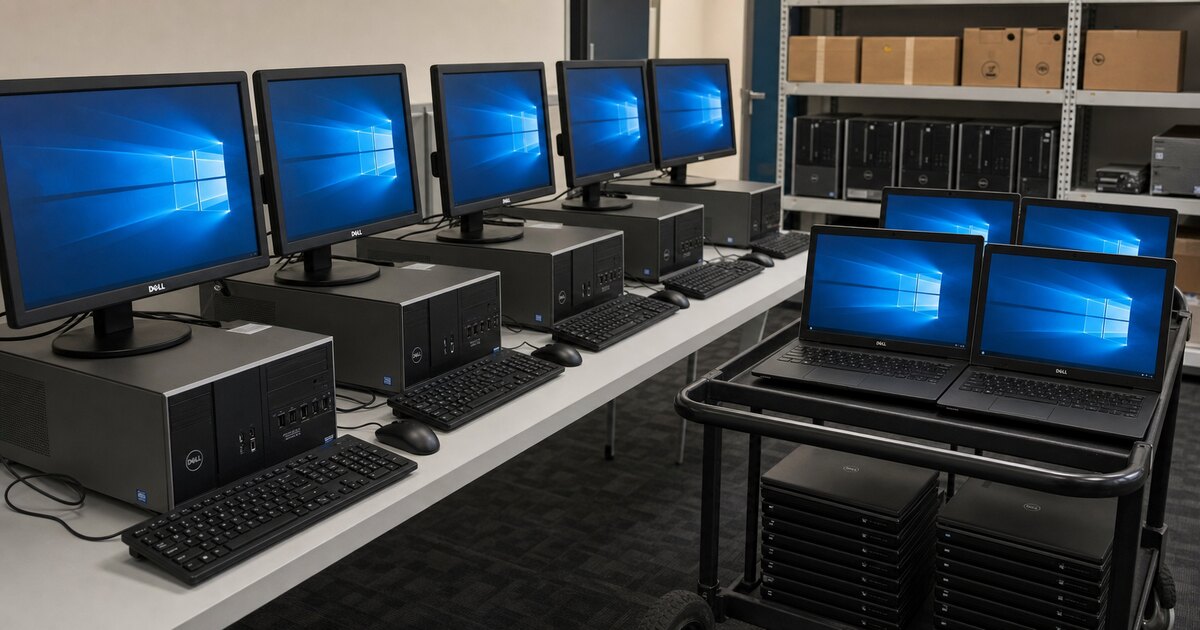
A business batch of laptops and desktops may qualify for free onsite pickup across Dallas-Fort Worth. Adding retired servers, storage, or enterprise network equipment from the same refresh can strengthen the project.
Approved monitors, docks, cables, UPS units, and printer or copier ride-alongs can be evaluated with the full load. Printers and copiers never qualify alone.
If selected drives must be physically destroyed, GreenIT can bring a crusher onsite for a scoped DFW project. Recovered equipment value may offset some or all of the crushing and documentation cost depending on equipment, drive count, access, and evidence requirements.
Review laptop and desktop recycling or send photos of the refresh load for an eligibility answer before your team makes a drop-off run.
Need IT Equipment Picked Up?
GreenIT Pickup provides free onsite pickup for qualifying B2B IT equipment loads across the Dallas-Fort Worth metroplex, so your team does not have to transport equipment to a drop-off.
Related Services
Related Articles
Data Destruction Services for Businesses
A DFW business guide to NIST SP 800-88 Rev. 2-aligned sanitization, on-site drive crushing, documentation and qualifying equipment pickup.
Data SecurityDFW Cybersecurity Events 2026: Hardware Checklist
Three October 2026 cybersecurity events are coming to Dallas and Plano. Add retired servers, drives and network equipment to your security checklist.
Data SecurityHard Drive Shredding Cost: 2026 Guide
Learn what shapes hard drive destruction pricing, when sanitization may fit, and how equipment value can offset scoped on-site drive crushing in DFW.